
Cloud vs. Desktop Barn Software: Which Fits a Boarding Operation Better?
When it comes to cloud vs. desktop barn software, cloud-based solutions fit most boarding operations better: they run on any device, keep data backed up automatically, and let you collect payments and track care from anywhere. Barn management software built on a cloud foundation removes the single-computer bottleneck that costs barn operators time and revenue.
By The Stables Team
What Cloud vs. Desktop Barn Software Actually Means
Desktop barn software is installed on a single computer, typically a Windows PC or Mac in your barn office. Your data lives on that machine's hard drive. If the computer is off, stolen, or sitting on the other side of the farm while you are fielding a billing question, you have no access.
Cloud-based software stores data on remote servers run by the software vendor. You log in through a web browser or a mobile app from any client device: a phone, tablet, laptop, or desktop computer. Your files live independently of any single piece of hardware, and changes sync in real time across every connected device.
A category worth noting: some older desktop tools have added cloud sync features as a layer on top of their local design. The underlying architecture still limits certain functions to the installed machine. True cloud-based software means every feature, from billing to stall management to owner communication, runs identically whether you are on an Android phone in the aisle or a laptop at home.
Access: Where Cloud Software Changes Daily Operations
The Single-Computer Constraint
Desktop software creates a hard dependency on one machine. If you are the barn owner and your manager needs to run board billing while you are out of town, that is not possible without either sitting at your office computer or using a remote session tool like Chrome Remote Desktop.
Chrome Remote Desktop and similar apps let you control an office Windows, Mac, or Linux machine from another device. But that host computer must be powered on, connected to the internet, and not already in active use. It adds friction and a point of failure to workflows that need to run smoothly, consistently, and without technical intervention.
Cloud Software in a Multi-User Barn
Cloud-based barn software removes the one-computer constraint entirely. A barn owner can review invoices from home on a laptop. A barn manager can update care logs on a Google Pixel or any Android phone while walking the aisle. A business partner can check the facility dashboard from a remote location without any workaround tools, just a browser and a login.
For boarding operations where care happens around the clock and billing questions do not wait for office hours, anywhere access is an operational requirement, not a bonus feature.
Data Security and Backups
Desktop Risk: Local Data Is Fragile
With desktop barn software, your data lives on one hard drive. If that drive fails, you lose everything unless you have maintained a consistent manual backup routine to an external drive or local storage. Most barn managers do not run nightly backups. A single hardware failure can mean losing years of care records, payment history, and boarder files.
Cloud Risk: Vendor Reliability and Connectivity
Cloud-based software shifts backup responsibility to the software vendor. Reputable cloud tools run redundant servers, automated backups, and uptime guarantees. Your files are available as long as the vendor is operational. The features barns rely on daily, including billing, care tracking, and owner communication, stay accessible without any manual data management on the barn's side.
The real risk with cloud-based software is internet connectivity. Barns in rural areas sometimes deal with unreliable connections. Some cloud tools offer limited offline mode for basic care logging, syncing data when connectivity restores. Ask any vendor to demonstrate their offline behavior specifically before signing up.
Billing, Payments, and Revenue Leakage
This is where the cloud vs. desktop barn software decision has the most direct impact on barn revenue.
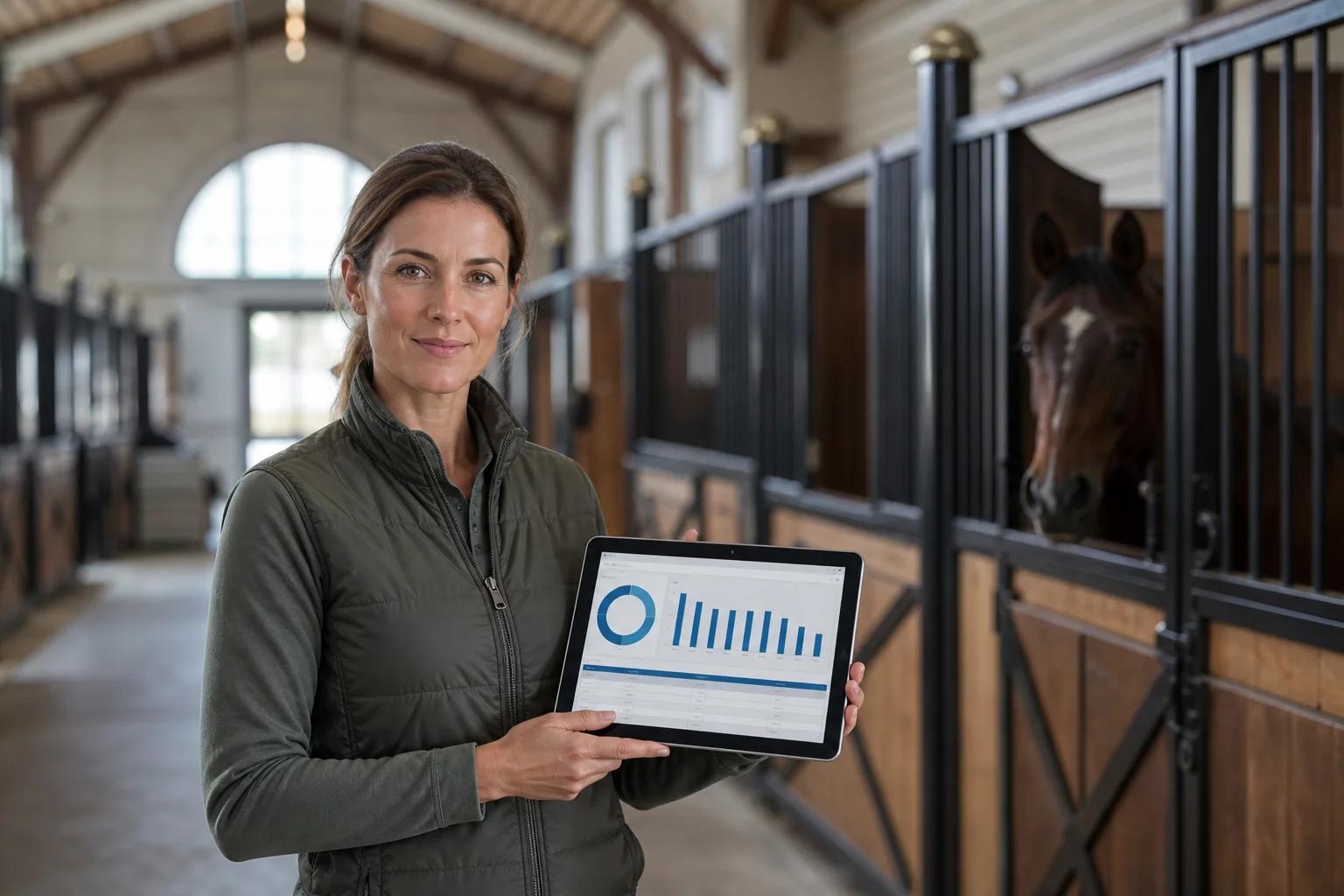
!A barn manager reviewing billing data on a tablet in a stable aisle, with horses in the background
Recurring board billing works best when invoices generate and send on schedule, regardless of where the barn owner is sitting. With desktop software, if you are away from the office computer when billing is due, boarders do not get invoiced until you return. Add-on charges, including farrier visits, blanketing, extra feeding, and supplements, tracked on paper and entered later, fall through the cracks.
Cloud-based software built around a care-to-cash workflow captures add-on charges as they happen, from a phone in the barn aisle, and connects those charges directly to billing. Autopay enrollment and online payments run through the same platform that tracks daily care. The data that generates invoices is the same data collected during morning and evening checks, not a separate spreadsheet added after the fact.
Revenue leakage in boarding operations is almost never deliberate. It is the gap between when care happens and when it gets billed. Cloud architecture closes that gap. Desktop architecture keeps it open.
For a look at the tools available to boarding operations managing this connected workflow, the horse facility software overview covers how a care-to-cash platform works from care tracking through collected payment.
Which Is Right for Your Boarding Operation?
The cloud vs. desktop barn software choice ultimately comes down to how your barn runs day to day.
Desktop barn software may fit a small, single-person operation where the owner is always on-site, has strong local IT habits, and prefers a one-time license over a recurring subscription. It can also work where internet connectivity is genuinely unreliable and offline operation is a hard requirement.
Cloud-based barn software fits most boarding operations better because boarding barns are multi-user, multi-device businesses. Care happens across a facility, not at one desk. Billing needs to run on schedule, not whenever someone gets back to the right computer. Horse owners expect care records and invoices in an owner portal without calling the barn. Payments need to be collected online, not by chasing checks through the mail.
The move from desktop to cloud is not about chasing technology trends. It is about connecting care tracking, billing, payments, and owner communication in one workflow that runs from any device, at any time. That connection is what turns daily barn work into captured revenue, and it is where cloud software consistently outperforms desktop alternatives for boarding facilities at any meaningful scale.
Frequently Asked Questions
Can I use cloud barn software without internet access?
Some cloud-based barn tools offer limited offline mode for basic care logging, with data syncing when connectivity is restored. However, billing, autopay, owner portal access, and online payments all require an internet connection. If your barn has spotty service, ask vendors to demonstrate offline functionality specifically before you commit.
Is desktop barn software more secure than cloud?
Not necessarily. Desktop software security depends on the local machine and the backup habits of the person running it. Cloud software from reputable vendors uses encrypted data transmission, automated backups, and server-level security that most individual barn operators cannot replicate on a local drive. The risk profile differs on each side, but cloud is not inherently less secure.
Can I run cloud barn software on an Android phone or tablet?
Yes. Most cloud-based barn management tools are designed to run on any modern device, including Android phones and tablets and iPhones, through a dedicated mobile app or a mobile browser. This cross-device access is one of the core advantages over desktop software, which typically cannot deliver a full-featured experience on a mobile screen.
What happens to my data if I switch from desktop to cloud barn software?
With desktop software, data is often stored in a proprietary file format on your local machine. Moving to cloud software requires exporting that data, if the desktop tool allows it, and importing it into the new platform. Before switching, confirm what export formats are available from your current vendor and what import support your prospective cloud vendor provides for boarding history, care records, and payment data.
How does cloud barn software handle multiple users at the same barn?
Cloud-based software is built for multi-user access from the ground up. Different staff members can log in from different devices simultaneously, each with access limited to their role. This is a fundamental design difference from desktop software, where multi-user access typically requires shared login credentials on one machine or a local network installation with its own setup and maintenance overhead.
Run Your Boarding Operation From Anywhere
For most boarding barns, cloud-based barn software is the stronger operational fit: care records, billing, and payments connect in one workflow, accessible from any device, without the single-computer constraint that lets missed charges and delayed invoices drain your revenue. See how Stables connects the full care-to-cash workflow for boarding operations built to collect faster and operate cleaner.