
Going Paperless: Replacing the Barn Whiteboard with Digital Operations
Going paperless at your boarding barn is not a future project, it is a revenue and operations decision you can act on today. barn management software replaces scattered whiteboards, paper logs, and sticky notes with connected digital records that keep your billing accurate and your clients informed.
By The Stables Team
The Whiteboard Problem and What It's Actually Costing You
Most boarding barns run on a combination of the whiteboard by the tack room, a clipboard near the feed room, a notebook on the office desk, and a group text thread that nobody can search later. This barn admin patchwork gets the job done on a given day, but it leaks money and time in ways that are easy to overlook.
The whiteboard shows who is on a no-grain diet. It does not show that the barn owner added a blanket change service in October and never billed for it. The clipboard tracks turnout rotations. It does not generate an invoice line. The notebook logs the vet visit. It does not remind you to add the extra stall cleaning fee that came with it.
Physical records are static. They do not connect to billing, they do not show clients their horse's history, and they disappear when someone erases them. Going paperless is not about having less paper. It is about replacing a disconnected system with one where every care action flows toward an accurate invoice and collected payment.
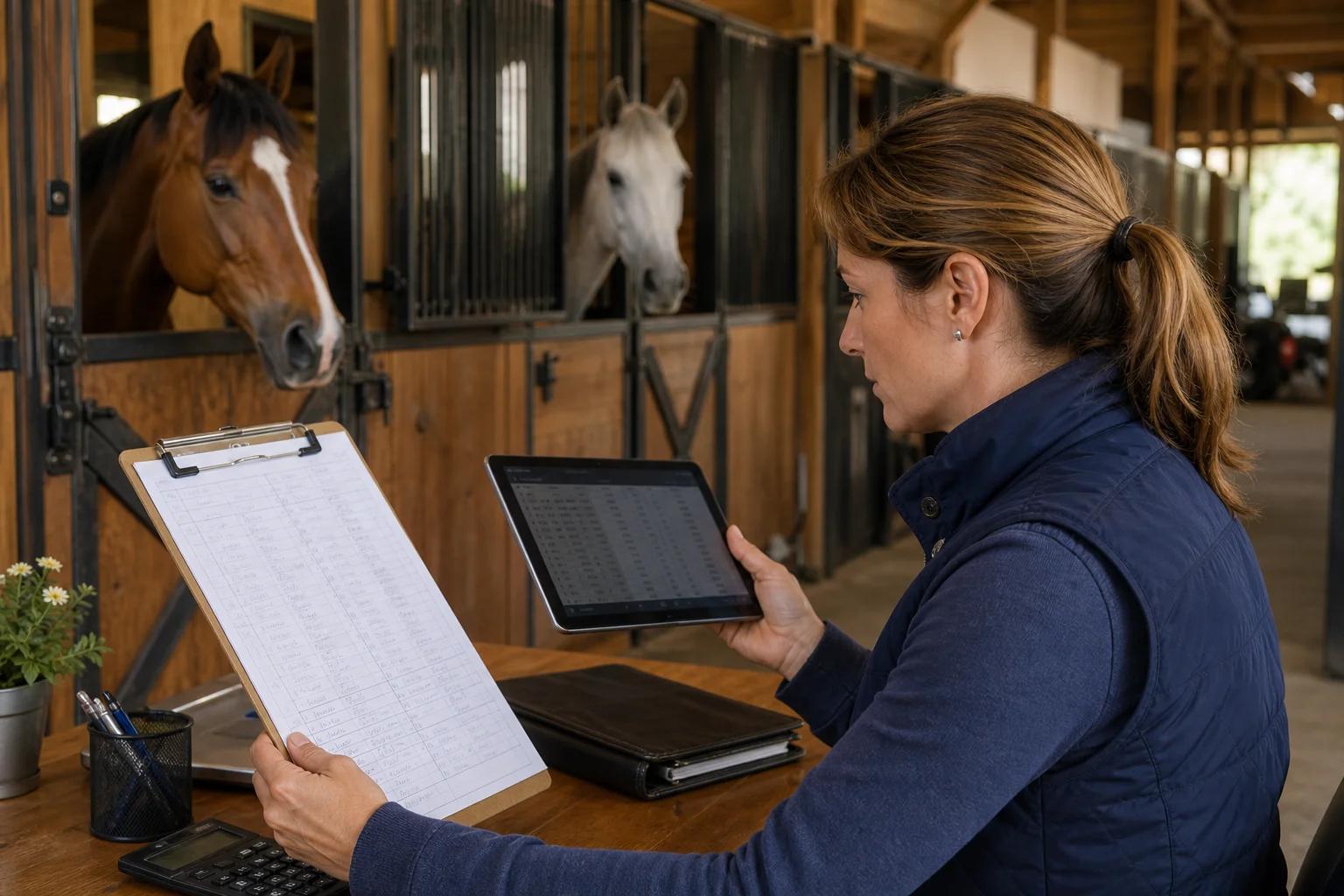
What Going Paperless Actually Means for a Boarding Barn
For a boarding facility, going paperless is a specific operational shift. It means replacing every paper-based process with a digital equivalent that is connected to the financial side of your business.
That includes:
- Care logs and feeding notes moved from whiteboards and clipboards to a digital record that timestamps each entry
- Billing and invoices generated from care data rather than reconstructed from memory at the end of the month
- Documents like boarding contracts, farrier authorization forms, and emergency vet release stored as digital files rather than paper folders
- Owner communication routed through an owner portal rather than scattered across texts and voicemails
- Payment collection handled through online payments and autopay rather than envelopes of cash or checks you have to deposit manually
Each of these is a process replacement, not just a format change. The goal is to move from a system where information lives in physical locations around the barn to one where information flows through a single platform that keeps billing accurate and clients informed.
Step-by-Step: Moving from Paper to Digital Operations
Going paperless does not have to happen in a single weekend. Here is a practical sequence that boarding barn managers use to make the shift without disrupting daily operations. The step-by-step approach also makes it easier to train your team and onboard customers gradually.
Step 1: Audit Your Current Paper Processes
Before you pick software, document every paper-based process you currently use. Walk from the barn entrance to the office and write down every place information is recorded on paper or a whiteboard. Common examples include:
- Daily feeding and medication logs
- Turnout and stall rotation boards
- Farrier and vet visit records
- Monthly board invoices generated by hand
- Signed boarding contracts kept in a file folder
This audit tells you exactly what your digital system needs to replace.
Step 2: Prioritize by Revenue Impact
Not every paper process carries the same financial weight. Start with the processes most connected to billing. Missed charges from add-on services like blanketing, extra feedings, and hand grazing are a primary source of revenue leakage at most boarding barns. Going paperless on care logs and billing first stops the most expensive part of the paper problem.
Step 3: Move Documents and Contracts to Digital Files
Boarding contracts, veterinary authorization forms, and emergency contacts are documents every barn needs on file. Scanning existing paper files and storing them as digital files means your team can find client information in seconds instead of searching through folders. New clients sign digitally, and the signed document is automatically stored with their record.
Step 4: Set Up Owner Communication Through a Portal
Owner communication is one of the highest-time-cost processes in barn admin. Going paperless here means routing updates, invoices, and care notes through an owner portal that clients access directly. Owners see what they need without calling the barn. The barn saves hours per week that were previously spent returning messages. Technology handles the information delivery so your team can focus on horses.
Step 5: Activate Online Payments and Autopay
The last step in a full paperless workflow is connecting digital billing to digital payments. Online payments remove the check-in-the-mailbox dependency. Autopay converts your board revenue into reliable recurring board billing rather than a monthly collection effort. This is where you save time most dramatically because the payment process runs without anyone on your team doing manual follow-up.
Capturing Revenue You're Currently Missing
Revenue leakage is the financial cost of the paper system. When care happens on the whiteboard and billing happens separately at the end of the month, the gap between the two is where missed charges live. Having a disconnected system means data never makes it from the care log to the invoice.
Common missed charges at paper-based barns include:
- Blanketing and blanket changes billed inconsistently
- Extra feedings logged but not connected to invoices
- Medication administration fees missed when the log does not carry over to billing
- Supplements added mid-month with no charge attached
- Last-minute stall deep cleans not captured
Add-on charge capture is one of the most direct financial benefits of going paperless. When care logs are connected to billing, every service recorded in the system can generate an invoice line. The question shifts from "did we bill for that?" to "it was logged, so it was billed."
Use the barn profit calculator to estimate how much missed add-on revenue your barn may currently be leaving uncollected. For a 20-stall barn with average monthly add-on usage, even small per-horse gaps add up across a year. The result often surprises barn owners who assumed their billing was close to accurate.
Owner Visibility Without the Phone Tag
One of the less-discussed benefits of going paperless is what it does for owner visibility. Clients who board horses at your facility want to know what is happening with their horse. When your operation runs on paper, the answer to every owner question is a phone call or a trip to the barn.
A digital operation changes that dynamic. Owners log into their portal and see feeding notes, care updates, upcoming vet and farrier appointments, and their current invoice balance. The barn is not doing extra work to provide this visibility. The data already exists because the team is logging care digitally. The portal surfaces it automatically and efficiently, making the information easily accessible to customers without adding to your team's workload.
This matters for business reasons beyond convenience. Owners who feel informed are more likely to stay, refer new boarders, and accept add-on services without friction. Better owner visibility is a retention and revenue tool, not just a customer service upgrade.
Frequently Asked Questions
Is going paperless realistic for a small boarding barn?
Yes. A barn with 10 to 20 stalls has more to gain from paperless operations than a large facility because small barns typically have less administrative staff and fewer hours to spend on reconciling care logs against invoices. Modern software is priced and designed to be accessible at smaller scale, and the step-by-step approach means you do not have to overhaul everything at once.
How do I handle clients who are not comfortable with digital tools?
Most boarding barn software allows the barn to manage client records and invoicing digitally even when a specific client prefers paper communication. The barn captures the operational benefits, and you can still print a paper invoice for clients who need one. Going paperless is a barn-side operational shift, not a mandate for every customer.
What happens to existing paper documents and contracts?
Scan current paper documents and upload them as digital files in your management software. Most barns process existing documents in batches over one to two weeks. New contracts are completed digitally going forward. Physical files can be archived after digital copies are confirmed and easily retrievable in the system.
Will going paperless help with billing disputes?
It significantly reduces them. When billing is generated from timestamped digital care logs rather than reconstructed from memory, you have a clear audit trail for every charge. Clients can see the care records that produced their invoice, which eliminates most disputed charges. The document trail is built automatically as a byproduct of doing the work.
How long does it take to fully go paperless?
Most boarding barns complete the core transition in two to four weeks. The first week covers care logs and billing. The second week covers document migration and file organization. Owner portal onboarding happens in parallel. Full adoption, including autopay activation, typically lands by the end of the first billing cycle.
Connect Your Barn's Care to Revenue Starting Today
Going paperless is the operational decision that makes every other part of your barn business more accurate and more efficient. See how Stables connects care, billing, payments, and owner communication in one care-to-cash workflow built for equestrian businesses.